
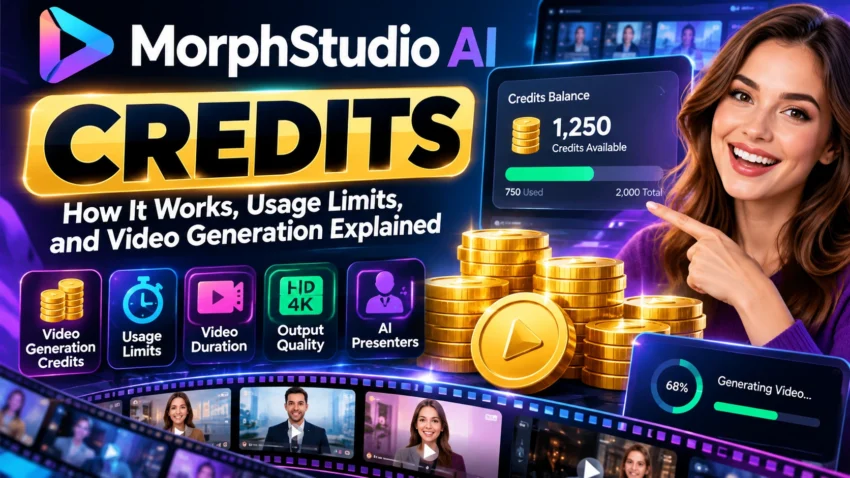
How Do MorphStudio AI Credits Work?
MorphStudio AI credits are an important detail to understand before using the platform to generate AI presenter or talking-head videos. Your available credits, the features included in your package, and the settings you choose may affect how much content you can create.
MorphStudio AI is promoted as a tool for creating presenter-style videos by adding a message or script, choosing an AI presenter, and generating a video. If you’re planning to use it for affiliate promotions, social media, educational content, or client projects, understanding the credit system can help you plan your workflow.
One important point: exact credit allowances and usage rules should be confirmed on the current offer page or inside your account. Public descriptions of the product have not always reported identical credit amounts, so avoid relying on an old review or an unverified estimate.
This guide explains what to check, which settings may affect credit usage, and how to manage your allowance more carefully.
What Are MorphStudio AI Credits?
Credits are a usage allowance that some AI platforms use to measure access to generation features. Rather than assuming every video costs the same amount, users should check how the specific platform calculates credit consumption.
For MorphStudio AI, review the current package details to understand the credit allowance and the conditions that apply to video generation.
Before starting a project, look for information about:
- The number of credits included with your purchase
- Which video-generation features consume credits
- Whether video duration affects usage
- Whether output quality or other settings affect consumption
- Whether repeated generations use additional credits
- Whether credits expire or have other restrictions
These details matter because a package’s advertised credit total alone may not tell you how many finished videos you can produce.
How to Check Your MorphStudio AI Credit Balance
The exact dashboard layout may change, so use the current interface and help information available in your account.
A practical checking routine is:
- Sign in to your MorphStudio AI account.
- Open the dashboard or account area.
- Look for a credits, usage, or billing section.
- Check your remaining allowance.
- Review any usage history or generation records available.
- Confirm the credit cost or requirements before starting a new generation.
If you cannot find a balance or usage history, consult the platform’s current documentation or contact support.
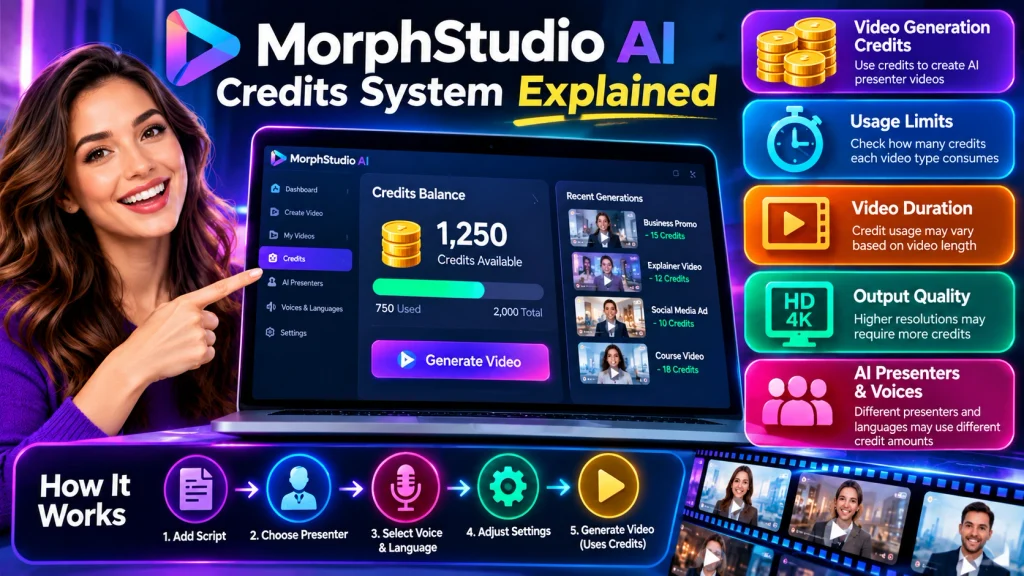

What Can Affect MorphStudio AI Credit Usage?
The actual rules depend on the product’s current system. The following are useful factors to check rather than guaranteed credit rates.
1. Video Duration
Some AI video tools account for duration when calculating usage. If MorphStudio AI applies a similar rule, longer videos may require more resources than shorter ones.
Check whether the platform shows a credit estimate before generation. If it does, use that estimate to plan your project.
2. Output Quality
Resolution and output settings can affect processing requirements on some video platforms. Confirm whether MorphStudio AI applies different credit costs to different output qualities.
Do not assume that choosing HD or another quality setting will always use a specific number of credits unless the platform explicitly states it.
3. AI Presenter Selection
The available presenters and related options may depend on the package you purchased. Check whether your selected presenter is included and whether any premium option has separate usage conditions.
4. Voices and Languages
If you plan to create videos in different languages, verify which voice and language options are included. Some platforms place certain options behind a paid tier or apply different restrictions.
Confirm the terms for the exact voice and language you intend to use.
5. Repeated Generations
You may need to revise a script, change settings, or generate a new version of a video. Check whether each attempt consumes credits, including attempts that you do not ultimately publish.
Reviewing your script and settings before generating can help reduce avoidable revisions.https://jvz1.com/c/3636587/449895/
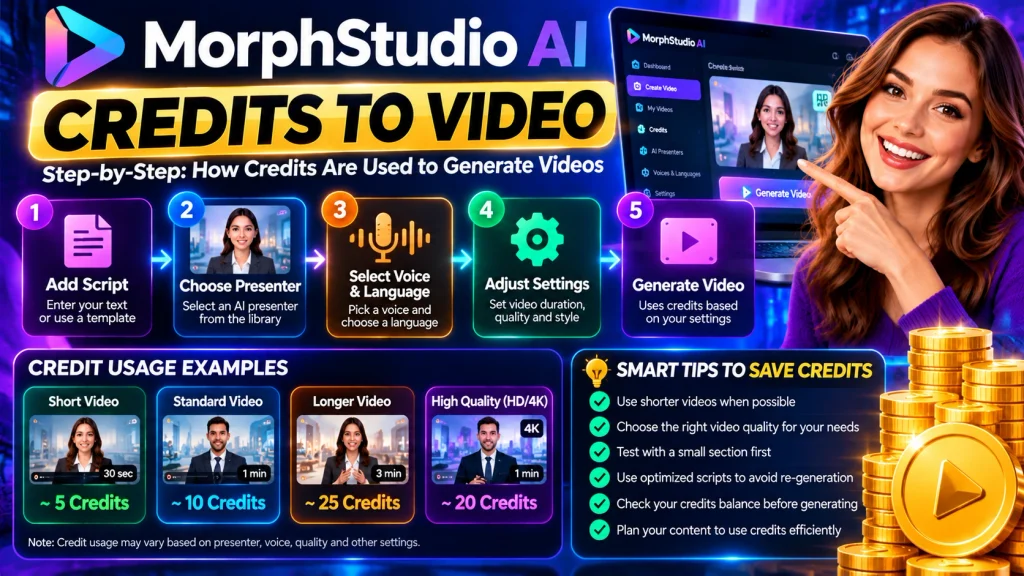
MorphStudio AI Credits and Video Limits
A credit allowance does not necessarily translate into a fixed number of finished videos. The result depends on the platform’s rules, the selected settings, and the amount of revision required.
For example, a creator producing several short clips may have different usage needs from someone producing longer presenter videos. The number of credits needed for either workflow should be confirmed from the current product interface rather than estimated from an unverified online example.
When reviewing the offer, check:
- Total credits included
- Video duration restrictions
- Available output resolutions
- Presenter, voice, and language availability
- Any limits on generation or downloads
- Rules for failed or repeated generations
- Whether additional credits are available for purchase
The most useful figure is the actual allowance and usage estimate shown for your account and intended video settings.
Do MorphStudio AI Credits Expire?
Do not assume that credits last forever or expire after a particular period. Expiration rules can vary between products and purchase offers.
Before purchasing, check the current terms for:
- Whether credits have an expiration date
- Whether unused credits roll over
- Whether credits from different upgrades are combined
- Whether refunds affect unused credits
- Whether additional credit purchases have separate conditions
If the sales page does not clearly explain these points, ask the seller or support team before paying.
How to Manage MorphStudio AI Credits Efficiently
Good planning can help you avoid unnecessary generations, regardless of the platform’s precise credit rules.
Write and Review Your Script First
Finish the main script before generating the video. Check spelling, product details, pronunciation, and the call to action. This can reduce the need to create replacement versions because of avoidable script errors.
Keep the First Test Simple
If the platform allows you to preview settings or test a short section, consider using that option before committing to a larger project. Confirm whether previews or tests consume credits first.
Choose Settings for the Intended Platform
A social media clip and a presentation for a large display may have different requirements. Choose the output settings that fit your publishing destination instead of automatically selecting the highest option.
Check the Credit Estimate Before Generating
If MorphStudio AI displays an estimated cost, review it before starting the process. If no estimate is shown, consult the platform’s usage information rather than guessing.
Save Your Final Script and Settings
Keep a copy of approved scripts and useful project settings. Reusing well-reviewed material can make future projects easier to organise, although new generations may still consume credits.
Track Your Projects
A simple spreadsheet can record the project name, date, purpose, settings, and any credit usage shown by the platform. Over time, this can help you understand your own production needs without relying on general estimates.
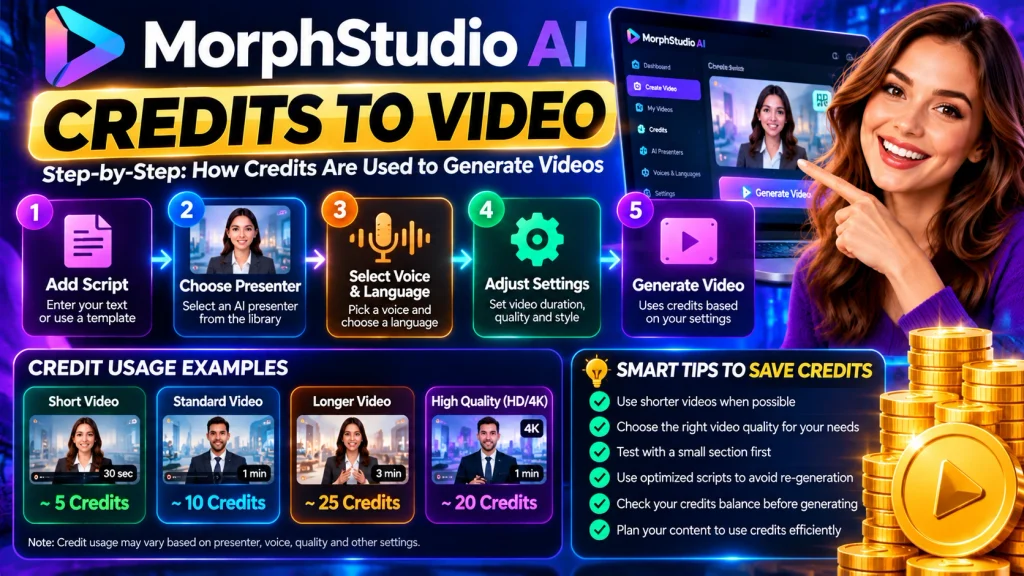

How Many Videos Can You Make With MorphStudio AI Credits?
There is no responsible way to give one guaranteed video count without knowing the exact credit allowance and the platform’s current usage rules.
The number of videos you can create may depend on the package, settings, video duration, and whether you need to regenerate content.
A useful planning method is:
- Confirm your available credits.
- Check the platform’s stated cost for the type of video you want.
- Estimate the number of projects you intend to produce.
- Leave room for revisions if they consume credits.
- Recheck your balance as you work.
Use actual account information wherever possible. Do not treat sample credit figures or unofficial estimates as guaranteed costs.
Are MorphStudio AI Credits Included in the Purchase?
The answer depends on the package and promotion you select.
Some descriptions of the MorphStudio AI offer have reported different credit allowances. This is why you should verify the number of credits displayed on the current offer page and in the final order details.
Before paying, confirm:
- The exact credit amount included
- Which features are available with the base offer
- Whether an upgrade adds credits or changes usage limits
- Whether additional payments may be required for your intended workflow
- The applicable refund and usage terms
If the package description is unclear, get clarification before purchasing.
Do You Need a MorphStudio AI Upgrade for More Credits?
An upgrade may be worth considering if it provides a specific feature or additional allowance that you genuinely need. However, you should compare its cost with your expected usage before deciding.
Ask yourself:
- Am I regularly running out of the included credits?
- Does the upgrade explicitly provide more credits or useful capabilities?
- Will I use the extra features often enough to justify the price?
- Are there limits that still apply after upgrading?
- Does the upgrade involve any additional ongoing cost?
If the basic package meets your needs, there may be no reason to buy every available upgrade. Confirm the current offer details rather than assuming that a more expensive tier is automatically better value.
Who Should Pay Attention to MorphStudio AI Credits?
Affiliate Marketers
Affiliate marketers creating product explainers or promotional clips should plan for script revisions and multiple campaigns. Check the credit requirements before committing to a large batch of videos.
Faceless YouTube Creators
Creators producing presenter-led content should consider their intended video length and publishing schedule. A weekly short-form workflow may have different requirements from longer educational videos.
Freelancers and Agencies
Professionals creating content for clients should verify the commercial licence, usage limits, delivery requirements, and credit costs. Include the cost of revisions when estimating project expenses.
Small Businesses and Educators
Businesses and educators may use presenter-style videos for service explanations, lessons, or announcements. Test whether the available features and credit allowance fit the planned volume before relying on the tool for regular production.
Common Mistakes to Avoid With AI Video Credits
Avoid these mistakes when planning your workflow:
- Assuming every generation has the same cost
- Trusting outdated credit figures from a third-party review
- Buying an upgrade without checking its exact benefits
- Ignoring expiration or usage restrictions
- Generating videos before reviewing the script
- Assuming failed attempts are always refunded
- Forgetting to check the final order details
- Treating a credit total as a guaranteed number of finished videos
A little preparation can make your usage more predictable and help you make a more informed purchase decision.
Is MorphStudio AI Worth It if You Have Limited Credits?
The answer depends on what you want to create and the amount of flexibility the included allowance provides.
If you only need occasional short videos, a smaller package might be enough—provided its features and limits match your needs. If you plan to generate content regularly, you should compare the available allowance, output requirements, and potential upgrade costs.
The best approach is to define your content plan first, then compare it with the current package details. Do not buy a larger plan solely because it advertises a bigger credit bala
Final Verdict: Understanding MorphStudio AI Credits
MorphStudio AI credits are worth checking carefully before you purchase or begin a large video project. The credit allowance, generation rules, available settings, and any usage restrictions all affect how useful a package may be for your workflow.
Because reported credit figures can differ between public descriptions, verify the current allowance and terms on the official offer page or in your account. Check whether duration, quality, presenters, or repeated generations affect usage before estimating your video output.
You can review the current offer here:
Choose a package based on your real production needs, and use the platform’s current usage information—not unverified estimates—to plan your credits.
Frequently Asked Questions
What are MorphStudio AI credits?
They are a usage allowance associated with the product’s generation features. Check the current product information to understand how credits are allocated and consumed.
How many credits does MorphStudio AI include?
The exact amount depends on the offer and package. Verify the number displayed on the current sales page and in your order details.
How many videos can I create with MorphStudio AI credits?
There is no universal video count. It depends on your allowance, the current usage rules, settings, video duration, and any revisions required.
Do longer videos use more MorphStudio AI credits?
That depends on the platform’s current rules. Check whether video duration affects credit consumption before generating a project.
Do MorphStudio AI credits expire?
Confirm the current terms. Do not assume credits are permanent or expire on a particular date without checking the offer conditions.
Can I buy more MorphStudio AI credits?
Check the official offer or account information to see whether additional credits are available and what terms apply.
Should I buy an upgrade for more credits?
Consider an upgrade only after confirming what it includes, whether it solves your usage problem, and whether the price fits your budget.
Where can I check the MorphStudio AI offer?
Visit the official MorphStudio AI offer page and verify the current package, credit allowance, and checkout terms.